Clinic WhatsApp: automatic messages and the clinic's own number
Dr Dental IQ sends the appointment confirmation and the reminder over WhatsApp from the first day on a trial number, up to 20 messages a day, and a clinic that connects its own number in 6 steps sends under its own name with no daily ceiling and adds booking over WhatsApp and check-up invitations.
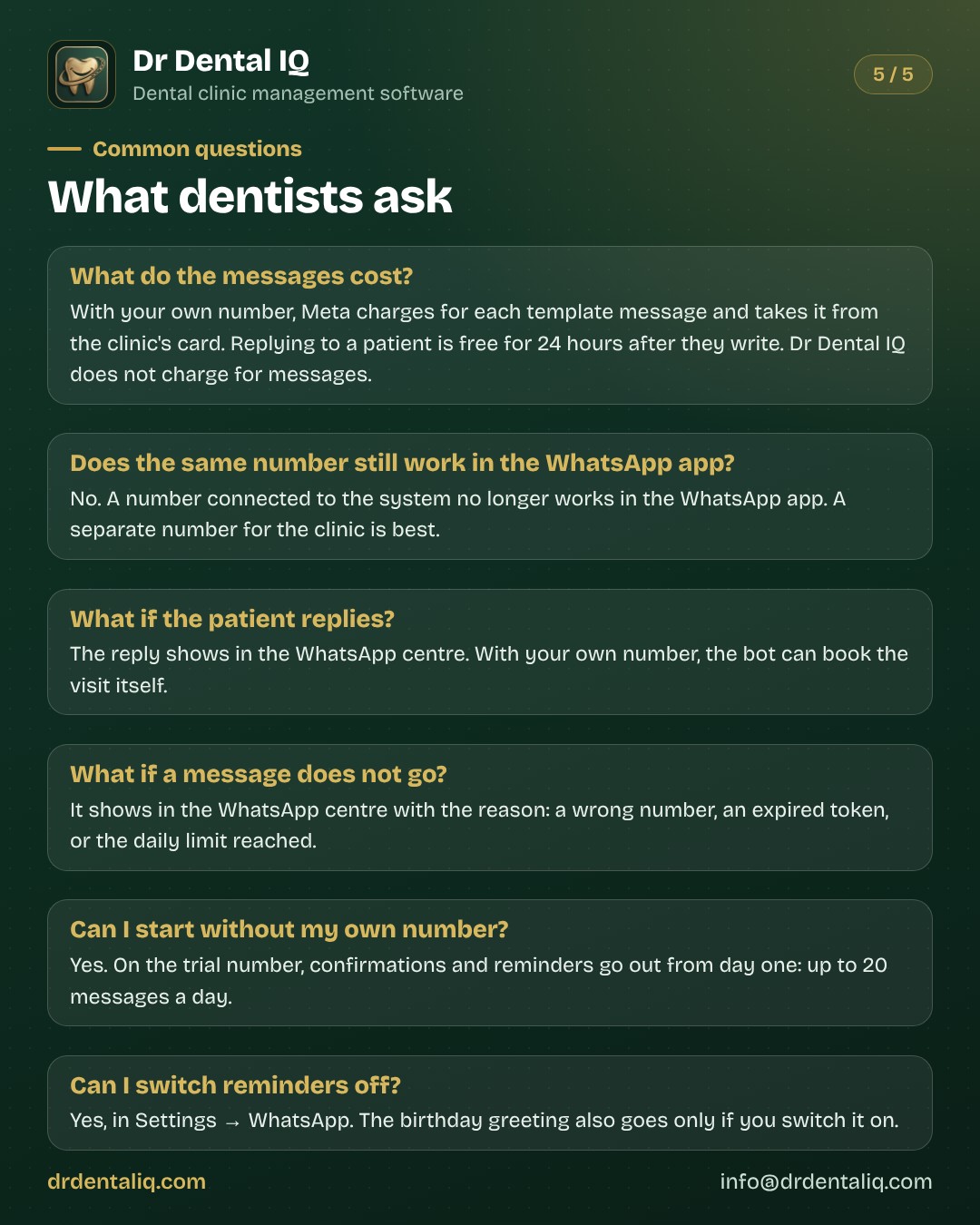
What your clinic sends automatically
You book the visit; the system does the rest. These are the messages, and when each one goes.
Messages go out in the clinic's language: Kurdish, Arabic, Persian or English.
- Appointment confirmation: the moment a visit is booked, the patient gets the visit time.
- Appointment reminder: every day at 11:00 Baghdad time, for visits in the next 24 hours.
- Feedback after a visit: the day after the visit. Optional; the clinic switches it on.
- Check-up invitation: 6 months after the last visit. Needs the clinic's own number, and the clinic switches it on.
- Booking over WhatsApp: when a patient writes, a bot offers the free times and books the visit. Needs the clinic's own number, and the clinic switches it on.
- Manual message: you can send a reminder or a confirmation yourself from the WhatsApp centre. Free text goes only as a reply to the patient, within 24 hours of their message (a WhatsApp rule).
What the patient reads
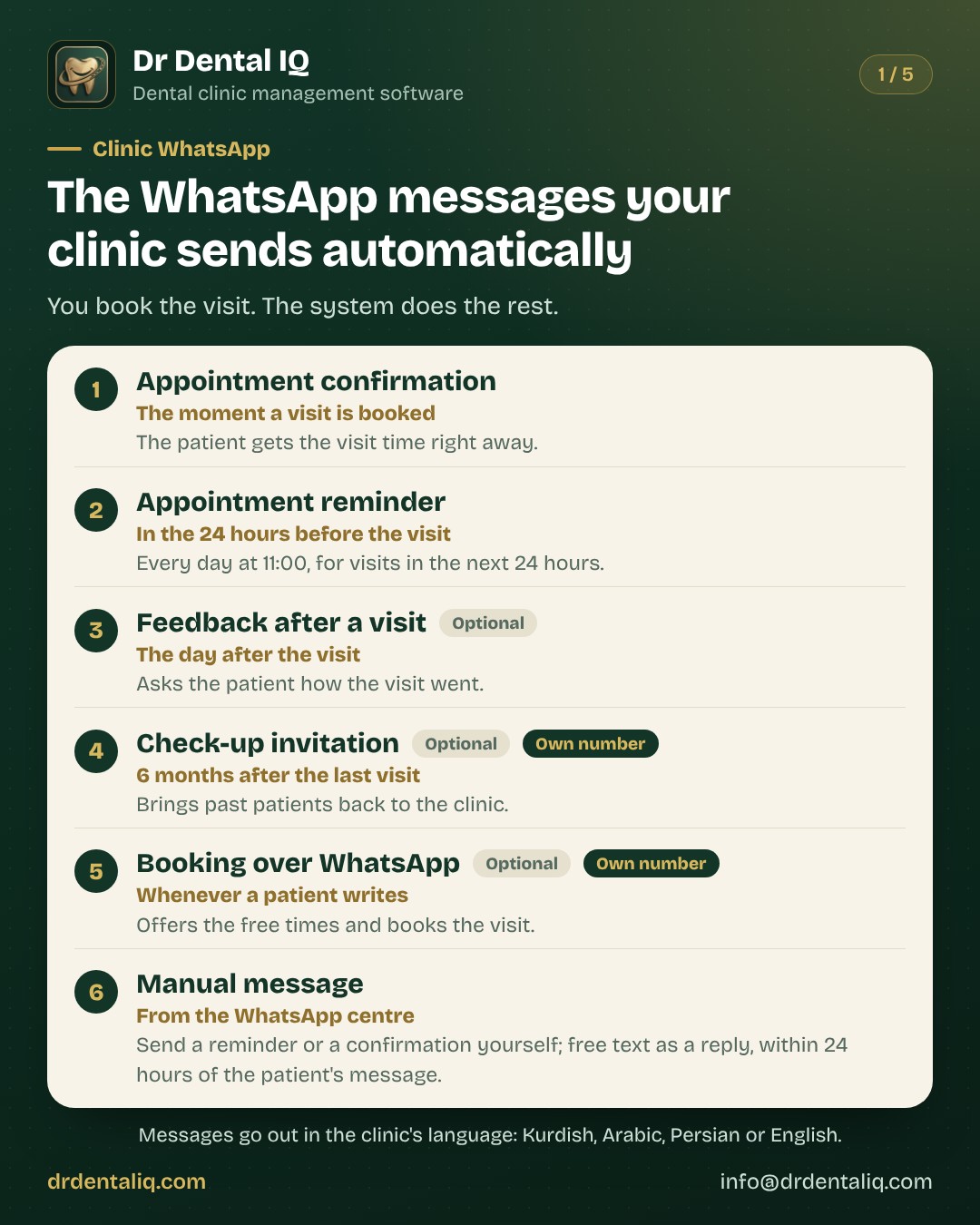
These are the three messages a patient sees most often, shown here with sample values. The patient's name, the clinic's name and the visit time are filled in automatically.
- When the visit is booked: “Hello Ali Ahmed, your appointment at Smile Dental Clinic is booked for Tuesday 5 August, 10:30. To change or cancel it, just reply to this message.”
- Before the visit: “Hello Ali Ahmed, this is a reminder of your appointment at Smile Dental Clinic on Tuesday 5 August, 10:30. Please arrive 10 minutes early. Thank you.”
- The day after the visit: “Hello Ali Ahmed, we hope you are doing well after your visit to Smile Dental Clinic. Could you share your feedback on the service? It helps us improve.”
Two ways to start
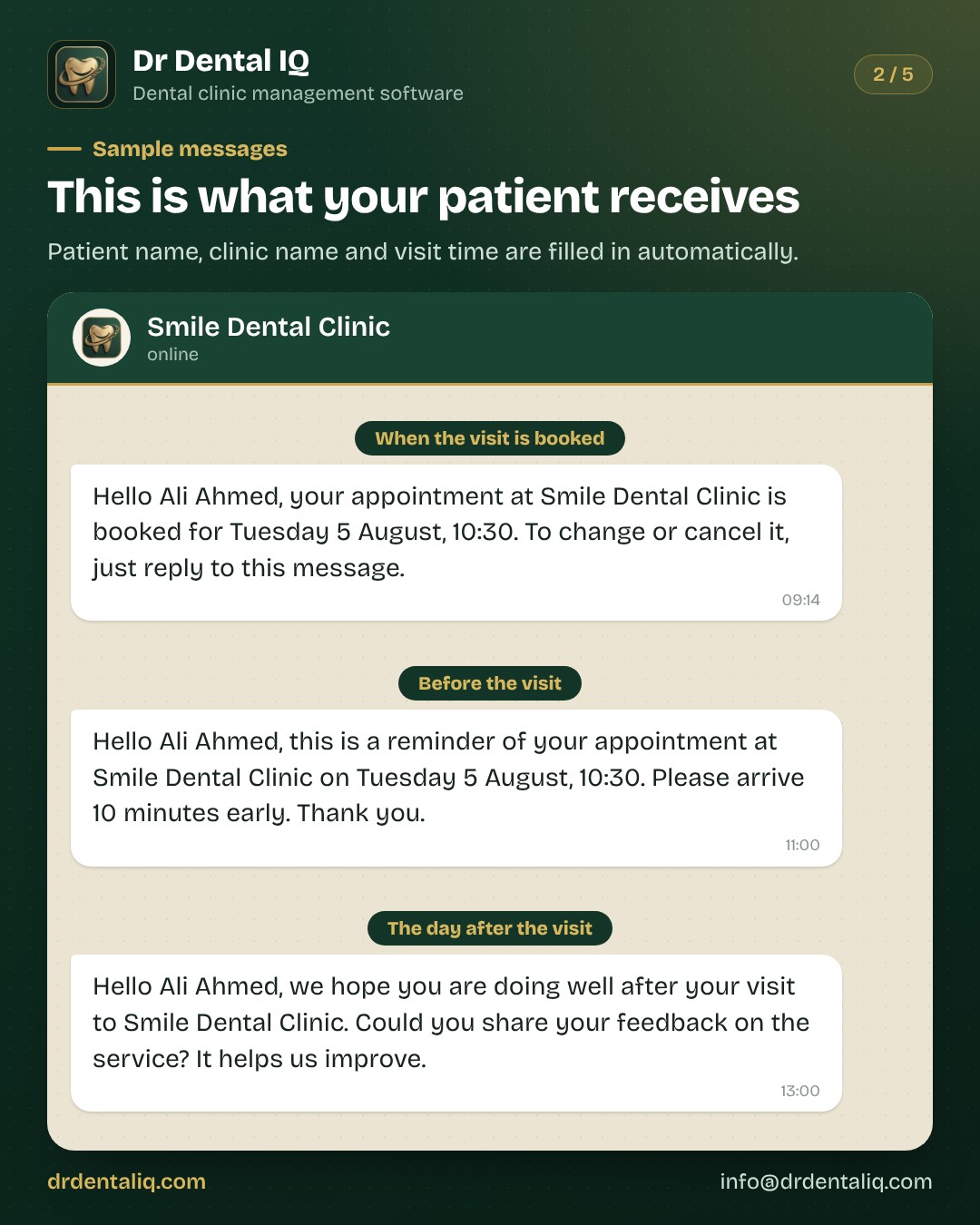
A clinic can start on the trial number the same day and move to its own number when it is ready.
- The trial number: ready the same day with no setup. Up to 20 messages a day per clinic. The sender is Dr Dental IQ's number. Appointment and care messages only.
- The clinic's own number: messages carry the clinic's name and number. No 20-a-day ceiling. Booking over WhatsApp and check-up invitations.
The clinic's own number, step by step
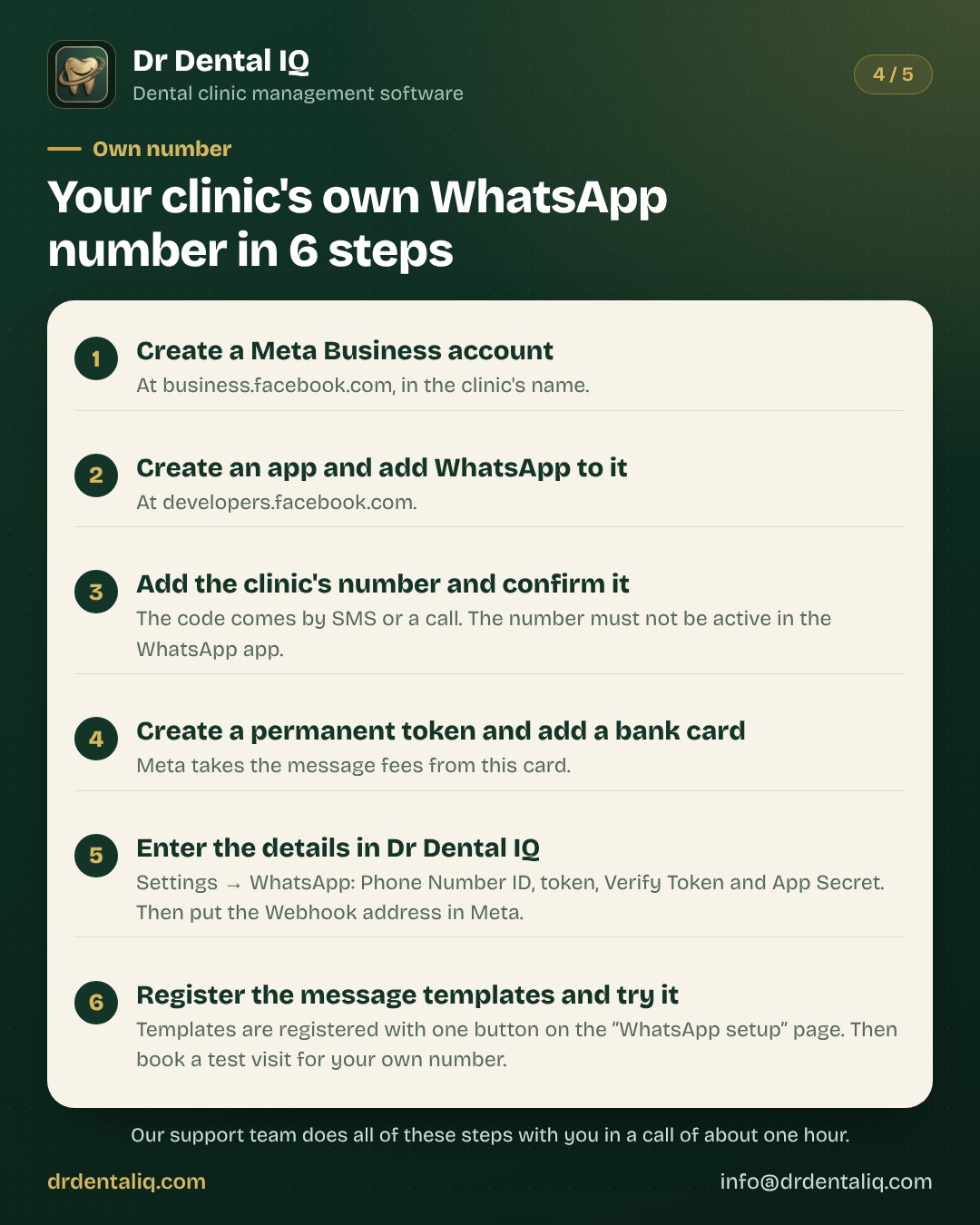
Connecting the clinic's own number takes 6 steps, partly in Meta and partly in Dr Dental IQ. The support team does the steps together with the clinic.
Have these ready: a phone number that is not in use on WhatsApp, the clinic's documents, a bank card, and about one hour.
- 1. Create a Meta Business account at business.facebook.com, in the clinic's name.
- 2. Create an app at developers.facebook.com and add the WhatsApp product to it.
- 3. Add the clinic's phone number and confirm it by SMS or a call. The number must not be active in the WhatsApp or WhatsApp Business app.
- 4. Create a permanent access token, and add a bank card as the payment method in Meta.
- 5. In Dr Dental IQ, open Settings → WhatsApp and enter the Phone Number ID, the token, a Verify Token (any word you choose, the same in both places) and the App Secret (Meta → App settings → Basic). Then in Meta set the Webhook address to https://www.drdentaliq.com/api/whatsapp/webhook, enter the same Verify Token, and subscribe to the field "messages".
- 6. On the "WhatsApp setup" page in Dr Dental IQ, register the message templates with one button. Then book a test visit for your own number, so the message reaches you.
What it costs
On the trial number the clinic pays nothing for messages.
With the clinic's own number, Meta charges for each delivered template message. The amount depends on the category of the message and on the recipient's country, and Meta bills the clinic's card directly.
Replying to a patient within 24 hours of their message is free, and a utility template sent inside that window is free too. Dr Dental IQ adds no fee per message.
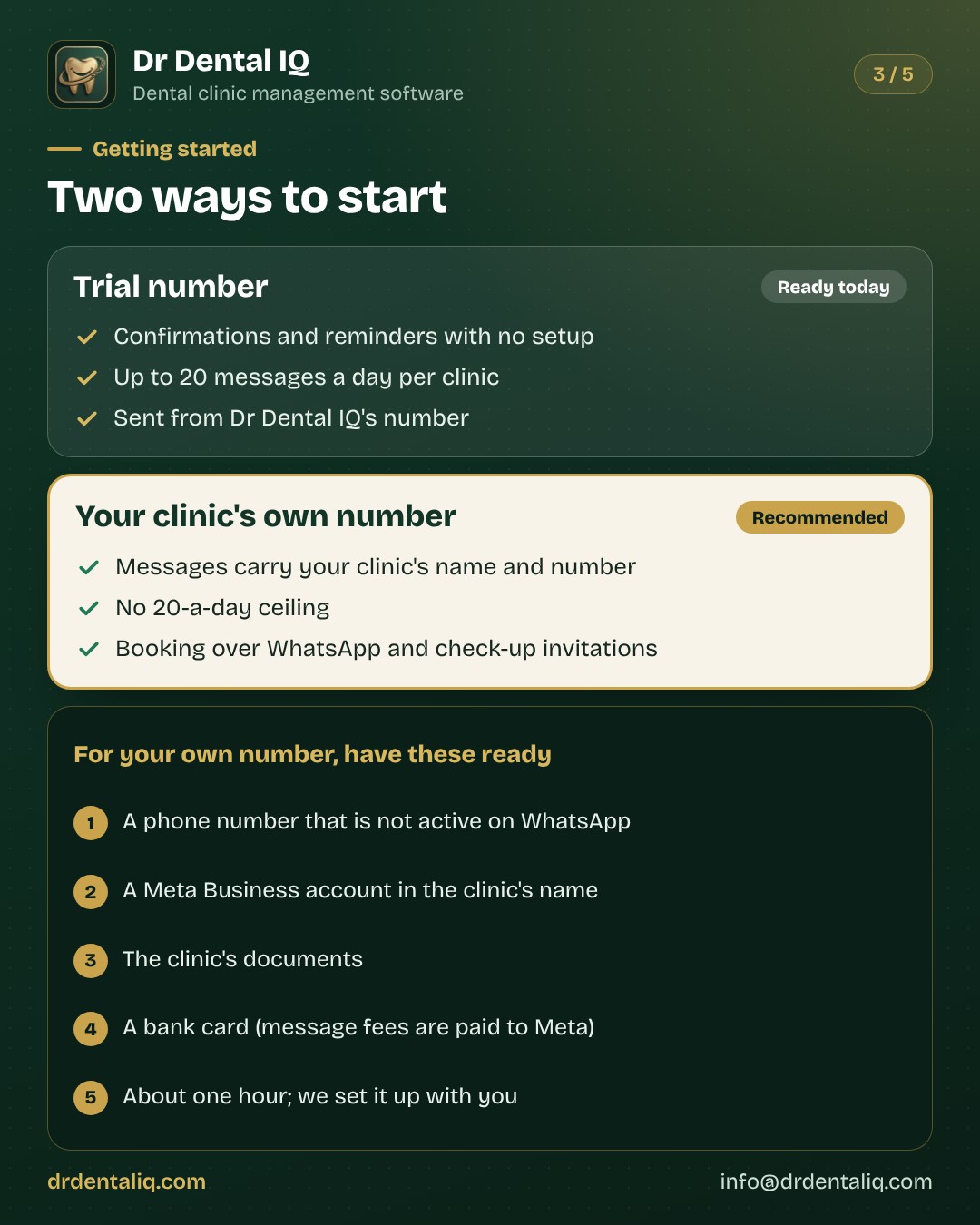
Questions and answers
- What do the messages cost? With your own number, Meta charges for each template message and takes it from the clinic's card. Replying to a patient is free for 24 hours after they write. Dr Dental IQ does not charge for messages.
- Does the same number still work in the WhatsApp app? No. A number connected to the system no longer works in the WhatsApp app. A separate number for the clinic is best.
- What if the patient replies? The reply shows in the WhatsApp centre. With your own number, the bot can book the visit itself.
- What if a message does not go? It shows in the WhatsApp centre with the reason: a wrong number, an expired token, or the daily limit reached.
- Can I start without my own number? Yes. On the trial number, confirmations and reminders go out from day one: up to 20 messages a day.
- Can I switch reminders off? Yes, in Settings → WhatsApp. The birthday greeting also goes only if you switch it on.
- Is there a birthday greeting? Yes. It is off until the clinic switches it on, and it carries the discount the clinic sets, or none.
- What happens to the reminder when a visit is cancelled or moved? No reminder is sent for a cancelled visit. When a visit is moved, the reminder is sent again.